AI Icon GeneratorCreate custom icons and logos from text
Appicons.ai is an AI app icon and logo generator. Describe your app in plain text, pick a free icon idea, generate the icon, and download a store-ready zip for iOS, Android and the web. Credit packs start at $5, paid once. There is no subscription.
Type what you want, like “a fox reading a book” or “a lightning bolt inside a shield”, and get a custom icon in seconds. Pick an art style, refine the result with AI editing, and download a store-ready zip for Xcode, Android and the web.

How the AI icon
generator works
Describe your app
Say what your app does and who it is for. Not sure what the icon should show? We suggest three concrete icon ideas for free and you pick one, or write exactly what to draw.
Pick a type and style
Choose App Icon or Logo, then one of six art styles: vector, digital art, minimalistic, 3D, flat, or retro.
Refine it
Generate a few options, then ask AI editing for specific changes or remove the background. You can also start from a reference image.
Download
Download a store-ready zip for Xcode, Android Studio and the web — including dark, tinted and themed icons — or an SVG if you chose the vector style.
Features
- Icon ideas from your app description
- Describe the product, not the picture. We turn it into three drawable ideas, a literal symbol, a character and an abstract mark, before you spend a credit.
- Six art styles
- Vector, digital art, minimalistic, 3D, flat, and retro. Each style comes with its own art direction, so you don't have to write it into the prompt.
- Built to read at small sizes
- Every prompt asks for one focal point, a clear silhouette, and strong contrast at 32–64 pixels, with no device mockups, borders, or rounded corners baked in.
- AI editing
- Change colors, remove an object, or adjust the background by describing the change. No need to start over.
- Reference images
- Upload a sketch or an existing icon and build on it. Works with every style except vector.
- SVG output
- The vector style produces a real SVG file you can scale and edit in Figma, Illustrator, or Inkscape.
- Dark, tinted and themed
- Every zip includes iOS 18 dark and tinted icons, wired into Contents.json, and an Android monochrome layer for themed icons.
- Standard and Premium models
- Standard (1 credit) and Premium (2 credits) use the same image model. Premium renders at a higher quality setting for finer detail, and is where the guided flow starts.
Every iOS, Android and web icon size in one zipShip it.
Not a PNG.
A general image tool stops at a picture. We hand you the files your build needs: iOS app icons sized for Xcode, Android app icons masked for Android Studio, and web icons, plus the iOS 18 dark and tinted icons and the Android themed layer. No resizing sites, no extra credits.
- AppIcon.appiconset/Contents.jsonSingle-size 1024, Xcode 14+
- AppIcon.appiconset/icon-1024.pngOpaque, App Store safe
- AppIcon.appiconset/icon-1024-dark.pngDark appearance, transparent
- AppIcon.appiconset/icon-1024-tinted.pngTinted appearance, grayscale
What people
make with it
- iOS and Android app icons
- Get a launch-ready icon for a new app or a fresh look for an existing one, without a design brief.
- Logo marks
- Make a simple symbol for a side project, startup, or open-source library using the Logo type.
- Favicons and web app icons
- The export pack includes favicons, a PWA manifest and home-screen shortcut icons, ready to link.
- Exploring directions
- Try a dozen visual ideas in minutes before you commit to a style or brief a designer.
Building a mobile app? See the AI app icon generator for iOS & Android or read how to write prompts for app icons.
AI-generated
icon examples

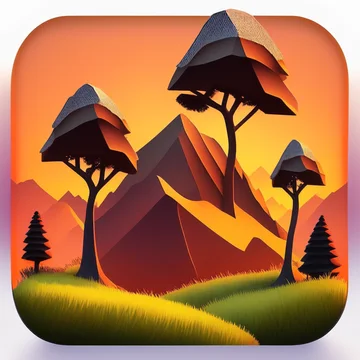





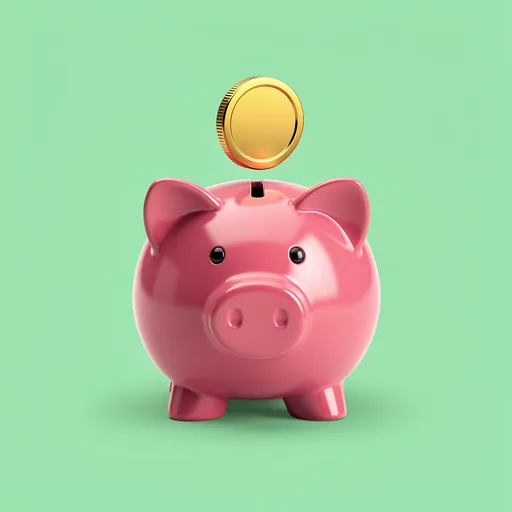



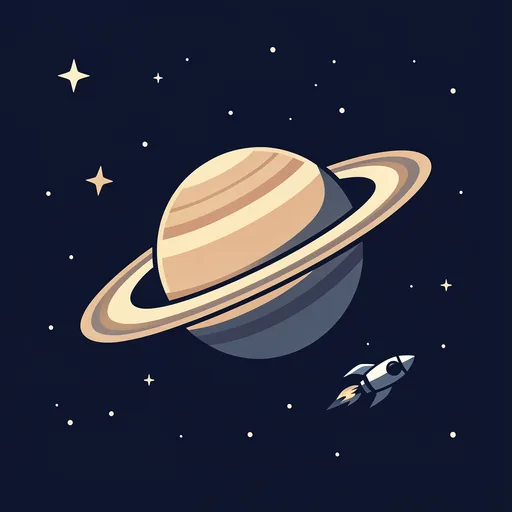


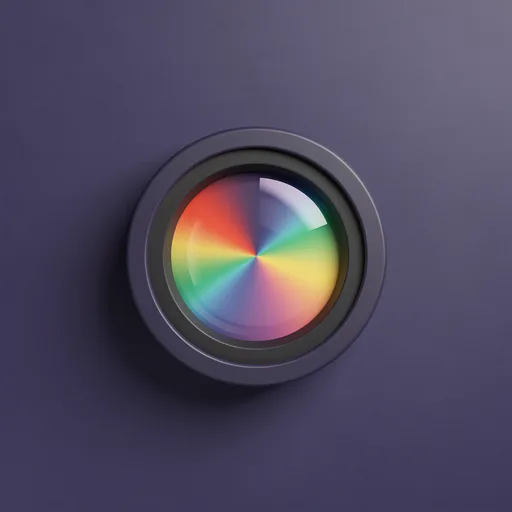

What users say
“Generated this icon using a prompt. Satisfying that I do not have stick to what I drew myself.”
 Akash ManoharCreator of runbeltapp.com
“Took about 3 tries at a prompt to get one I liked. I imagine you could get something cheaper with Midjourney but I didn’t want to learn how to 😅”
 Morgan ZellersApple Platforms Engineer
“After hiring some freelancers and designing some app icons myself, I found this service that you should check out. It's pretty inexpensive and the end results are great!”
 Christopher EndressiOS Developer
Pay once.
No subscription.
A guided round shows three options for 3 credits. A single generation or edit costs 1 (2 with Premium).
Frequently asked questions
- Can I use the icons commercially?
- Yes. You can use the icons you generate in personal and commercial apps, websites, and products.
- What file formats do I get?
- Every icon downloads as a store-ready zip: Xcode AppIcon.appiconset with iOS 18 dark and tinted icons, Android adaptive, round and themed launchers, favicons and a web manifest, plus the 1024 × 1024 source PNG. Choose the vector style to get an SVG as well.
- How do I turn it into iOS and Android icon sizes?
- You don't have to. The export pack includes an Xcode AppIcon.appiconset, Android adaptive and round launcher icons for every density, a Play Store 512, favicons and a web app manifest. Drop them into your project.
- Can I edit an icon after it is generated?
- Yes. Describe the change in plain words, such as "make the background dark blue", and AI editing applies it to your icon. You can also remove the background or start a new icon from a reference image.
- How much does it cost?
- Credit packs are a one-time purchase: $5 for 40 credits, $10 for 100, $25 for 300, or $45 for 600. A standard generation or edit costs 1 credit and the Premium model costs 2. A guided round with three options costs 3. There is no subscription.
- Can it make logos as well as app icons?
- Yes. Switch the type from App Icon to Logo to get a standalone logo mark on a simple background instead of a full-bleed app icon.