AI app icon generator for iOS, Android and the webThirty apps on the screen.
Make yours the one they tap.
Describe your app. Our AI app icon maker suggests icon ideas, draws the one you pick, and hands you every size for iOS, Android and the web in one zip.
- From
- $5
- Billing
- Once
- Licence
- Commercial



Your icon, dressed for every holiday your users celebrate.
Christmas, Diwali, Ramadan, Black Friday and 35+ more dates, picked for your markets and planned into a few app updates. 1 credit per icon.
How Appicons.ai works, in 37 secondsDescribe. Check. Ship.
Test your app icon at home-screen sizeNow
squint.
Designers blur their eyes to see what survives. One bold shape, two or three colors, a clear silhouette. The icons you can still name are the ones people tap.




AI app icon prompts and resultsThree words
is a brief.
Six real prompts and what came back, each shown at store, home-screen and settings size.
- 01
 “Cat with headphones”3 wordsUse prompt: Cat with headphones →
 - 02
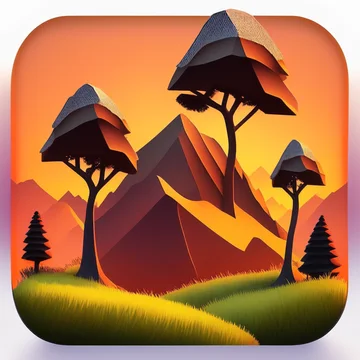 “Flame with a checkmark”4 wordsUse prompt: Flame with a checkmark →
 - 03
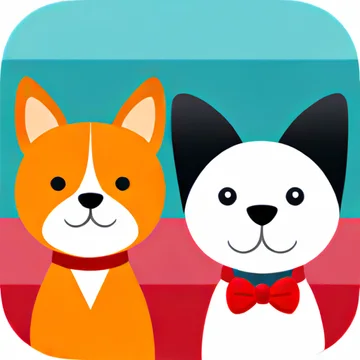 “Sunrise over mountains”3 wordsUse prompt: Sunrise over mountains →
 - 04
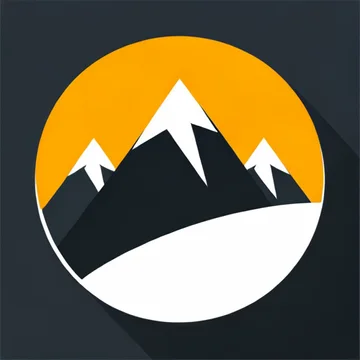 “Coffee cup, steam”3 wordsUse prompt: Coffee cup, steam →
 - 05
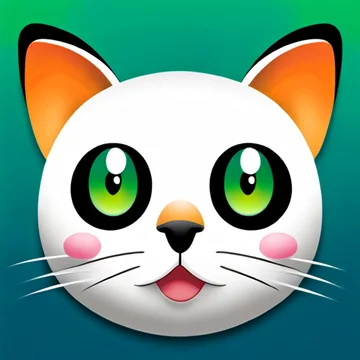 “Leaf and water drop”4 wordsUse prompt: Leaf and water drop →
 - 06
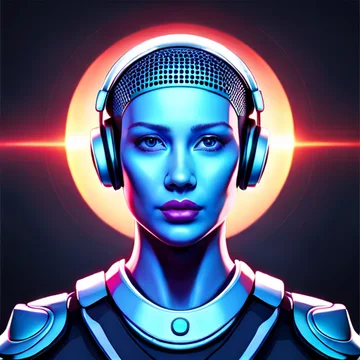 “Rocket launch”2 wordsUse prompt: Rocket launch →
Edit your app icon with AITalk it
into shape.
- Say itDescribe your app. We suggest three icon ideas for free, or you write exactly what to draw.
- Pick a lookMinimal, 3D, vector and more. We choose the engine and show three options per round (3 credits, 6 with Premium).
- Edit in wordsColors, backgrounds, details. Holiday and A/B variants that keep the identity.
- Ship itOne zip: Xcode asset catalog, Android adaptive icons, favicons. SVG with the vector style.
› a fox mascot for a reading app style 3D · reference none · engine auto✓ 3 options ready› make the background deep teal✓ edited› bigger eyes, friendlier smile✓ edited› winter edition, keep the fox✓ variant saved · same identity↓ appicon-pack.zip ios · android · web
Every iOS, Android and web icon size in one zipShip it.
Not a PNG.
A general image tool stops at a picture. We hand you the files your build needs: iOS app icons sized for Xcode, Android app icons masked for Android Studio, and web icons, plus the iOS 18 dark and tinted icons and the Android themed layer. No resizing sites, no extra credits.
- AppIcon.appiconset/Contents.jsonSingle-size 1024, Xcode 14+
- AppIcon.appiconset/icon-1024.pngOpaque, App Store safe
- AppIcon.appiconset/icon-1024-dark.pngDark appearance, transparent
- AppIcon.appiconset/icon-1024-tinted.pngTinted appearance, grayscale
App icon generator vs. image chatA picture
is not an icon.
You can ask any image chat for “an app icon”. Here is what happens after the pixels, side by side.
- You downloadImage chat: One image, at whatever size it chose.Appicons.ai: A zip for every platform
- Corners & framesImage chat: Can bake in rounded corners, shadows or a phone mockup.Appicons.ai: Full-bleed, platform masks it
- Safe zonesImage chat: Not considered. Launchers crop the edges.Appicons.ai: Android and PWA safe zones
- Small sizesImage chat: Judged at full size.Appicons.ai: Checked at 60, 40, 29 px
- AppearancesImage chat: Do it yourself.Appicons.ai: Dark, tinted, themed
- VectorImage chat: Raster only.Appicons.ai: SVG with the vector style
- VersionsImage chat: Each prompt drifts from the last.Appicons.ai: Variants that keep the identity
- PriceImage chat: Monthly subscription.Appicons.ai: Pay once, from $5
| After the pixels | General AI image chat | Appicons.ai |
|---|---|---|
| You download | One image, at whatever size it chose. | A zip for Xcode, Android Studio and the web |
| Corners & frames | Can bake in rounded corners, shadows or a phone mockup. | Full-bleed square. The platform applies its mask |
| Safe zones | Not considered. Launchers crop the edges. | Composed for Android 66 dp and PWA 80% zones |
| Small sizes | Judged at full size. | Prompted and previewed at 60, 40, 29 px |
| Appearances | Do it yourself. | iOS dark & tinted, Android themed icon |
| Vector | Raster only. | SVG with the vector style |
| Versions | Each prompt drifts from the last. | Holiday and A/B variants that keep the identity |
| Price | Monthly subscription. | Pay once, from $5 |
App icon variants and matching icon familiesOne identity.
Every version.
Ask an image chat for the same icon twice and you get two different icons. We edit your icon instead of redrawing it, and lock its style for everything that comes next.
- Seasonal editionsWinter, Lunar New Year, Halloween. Ship them as alternate icons and switch by date.
- Store A/B testsUp to three icon treatments on the App Store and three variants on Google Play. Each one changes one thing.
- Alternate iconsA ready-made set your users pick from in settings, exported for iOS and Android.
- Make a variant set
AI app icon generator featuresSpec.
- Input
- Text prompt · optional reference image
- Looks
- Minimal · 3D · Vector · and more
- Engine
- Chosen for you, per design
- Editing
- AI edits in plain words · variations
- Export
- Xcode AppIcon.appiconset · Android adaptive, round & Play Store · favicon & PWA
- Appearances
- iOS dark & tinted · Android themed
- Variants
- Holiday, colour A/B, alternate icons
- Families
- Matching icons in one locked style
- Source
- 1024 × 1024 PNG · SVG with vector style
- Licence
- Personal and commercial use
- Billing
- One-time credit packs · from $5
App icon generator pricingPay once.
No subscription.
Every pack includes generation, AI editing and variations, the store-ready export pack and commercial use. A guided round shows three options for 3 credits (6 with Premium). Each action shows its credit cost before you spend.
Sheet 11 / 11 — Straight answers · App icon FAQ
All FAQs →support@appicons.ai- How do I make an app icon with AI?
- Describe your app in a sentence and pick one of the free icon ideas. Generate it, refine it with AI edits, and check it at home-screen size. Then download one zip with every size for the App Store, Google Play and the web. No design tools needed.
- Can I make an app logo too?
- Yes. Your app icon doubles as the logo, and the AI icon generator also makes standalone logo marks and favicons from a text description.
- Can I use the icons commercially?
- Yes. You can use your icons in personal and commercial apps, websites and projects.
- What files do I get?
- One zip with an Xcode AppIcon.appiconset (including iOS 18 dark and tinted icons), Android adaptive, round and themed launcher icons for every density, a Play Store 512, favicons and a web app manifest. Plus the 1024 × 1024 source PNG, and an SVG when you pick the vector style.
- Can I edit an icon after it’s made?
- Yes. Make variations, or change colors, backgrounds or details by describing the change in plain words.
- I don't know what my icon should show. Can you help?
- Yes. Describe what your app does and who it is for, and we suggest three concrete icon ideas for free: a literal symbol, a character or metaphor, and an abstract mark. Pick one, edit it, or draw one option of each.
- Can I start from an image?
- Yes. Add a reference image to steer the look of your icon. It works with every style except vector.
- How do credits work?
- Credit packs are a one-time purchase: $5 for 40 credits, $10 for 100, $25 for 300, or $45 for 600. No subscription. A guided round shows three options for 3 credits (6 with the Premium model), a single generation or edit costs 1 (2 Premium), and every action shows its cost before you spend.
- Does it work for iOS and Android?
- Yes. Drop the asset catalog into Xcode and the res folder into Android Studio. No resizing tools needed. Dark, tinted and Android themed versions are in every zip.
- Why not just ask an AI image chat?
- You will get a picture. You still have to fix baked-in corners, check it at 60 px, mask it for each launcher and export a dozen sizes. We do that part.
- Can I make seasonal or holiday versions of my icon?
- Yes. A seasonal pack turns your icon into editions for Christmas, Diwali, Ramadan, Lunar New Year, Black Friday and more, picked for your markets, at 1 credit per icon. The download groups them into app updates with a ship-by date for each. Variant presets also make alternate icons and store listing tests.
App icon design guides
All guides →- Free Credits for Your First App Icon
Share Appicons.ai or your icon on a social network and get free credits to draw app icons. No card, no subscription, no catch.
- App Icon Ideas From One Sentence
Don't know what your app icon should show? Describe your app and Appicons.ai suggests three concrete icon ideas for free. Pick one and we draw it.
- Dark, Tinted and Themed App Icons Explained
How iOS dark and tinted icons and Android themed icons work, what files each one needs, and how to design an icon that survives all of them.
- Dark, Tinted and Themed Icons in Every Zip
Each Appicons.ai export pack includes iOS 18 dark and tinted icons and an Android 13 themed layer, wired into Xcode and Android Studio, at no extra credit.
- Seasonal App Icon Packs for Every Holiday
Turn the app icon you already ship into Christmas, Diwali, Ramadan, Black Friday and more holiday editions, planned into app updates. 1 credit per icon.
- App Icon Sizes: iOS, Android & Web (2026)
Every app icon size for iOS, Android, Google Play and the web in one place, with the safe zones and file rules that get icons rejected.
- How to Write AI Prompts for App Icons
Prompt tips for AI app icons: what to include, what to leave out, and what six real prompts produced, including the ones that went wrong.
- AI Prompt Enhancer for App Icons: How It Works
How the Appicons.ai prompt enhancer turns a rough idea into one clear icon description, what it leaves alone, and what we learned from version one.